73 lines
1.9 KiB
Markdown
73 lines
1.9 KiB
Markdown
---
|
||
title: 快速开始
|
||
date: 2022-01-18 19:21:21:46
|
||
categories: [FastApi]
|
||
author: Anges黎梦
|
||
tags:
|
||
- Python
|
||
- FastApi
|
||
---
|
||
|
||
## 环境安装
|
||
|
||
**FastApi**与普通的py标准库一样安装,直接使用`pip install`即可安装使用
|
||
```shell
|
||
pip install fastapi
|
||
```
|
||
|
||
## 开始使用
|
||
|
||
### 编写一个简单的应用
|
||
使用时,需要引入**FastAPI**的库,并创建一个`app`;
|
||
|
||
启动时,需要使用`uvicorn`,在`main`中编写启动命令,如下:
|
||
|
||
```Python
|
||
import uvicorn
|
||
from fastapi import FastAPI
|
||
|
||
app = FastAPI()
|
||
|
||
|
||
@app.get("/")
|
||
def test():
|
||
return "Hello World"
|
||
|
||
|
||
if __name__ == '__main__':
|
||
uvicorn.run(app='main:app', host="127.0.0.1", port=8000, reload=True, debug=True)
|
||
```
|
||
|
||
### 应用启动
|
||
直接脚本执行即可启动应用
|
||
|
||
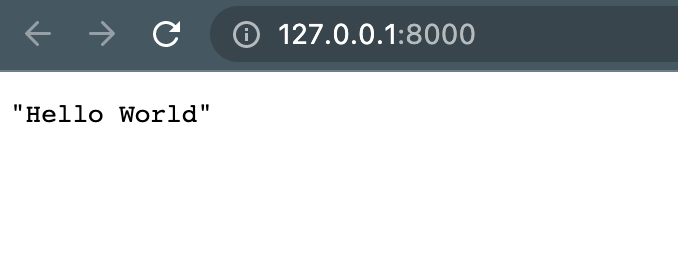
展示如下时,启动成功,访问地址`http://127.0.0.1:8000`
|
||
```shell
|
||
INFO: Uvicorn running on http://127.0.0.1:8000 (Press CTRL+C to quit)
|
||
INFO: Started reloader process [88610] using statreload
|
||
INFO: Started server process [88612]
|
||
INFO: Waiting for application startup.
|
||
INFO: Application startup complete.
|
||
```
|
||
|
||
打开浏览器,即可请求已经写好的get接口
|
||
展示如下:
|
||
|
||
|
||
### 接口文档
|
||
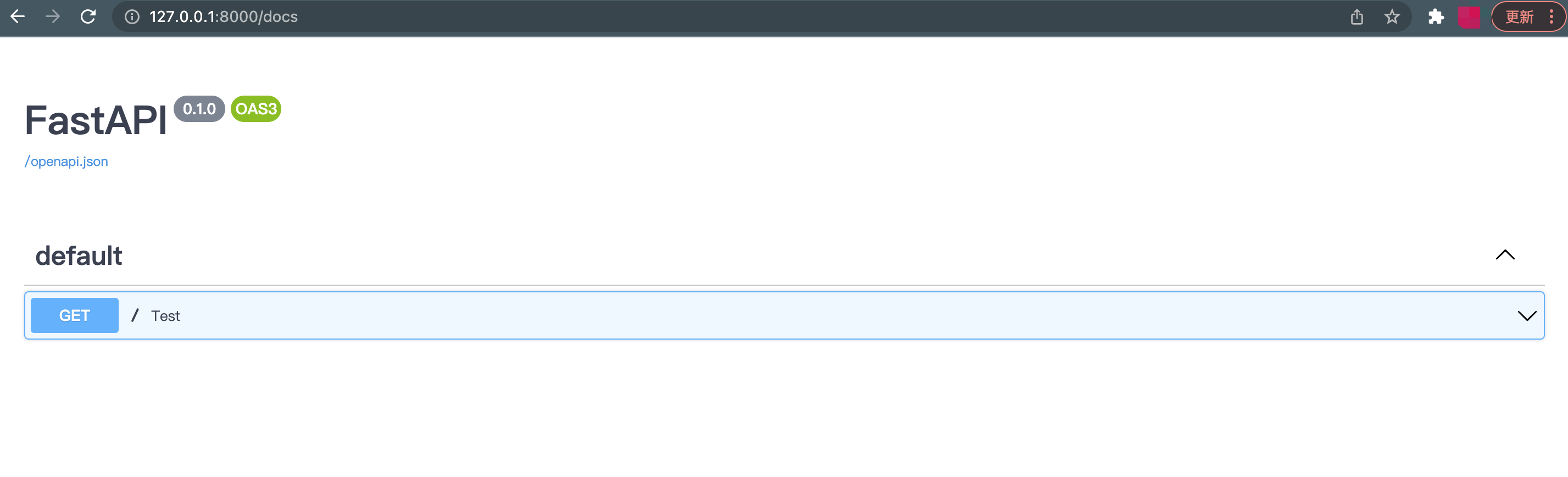
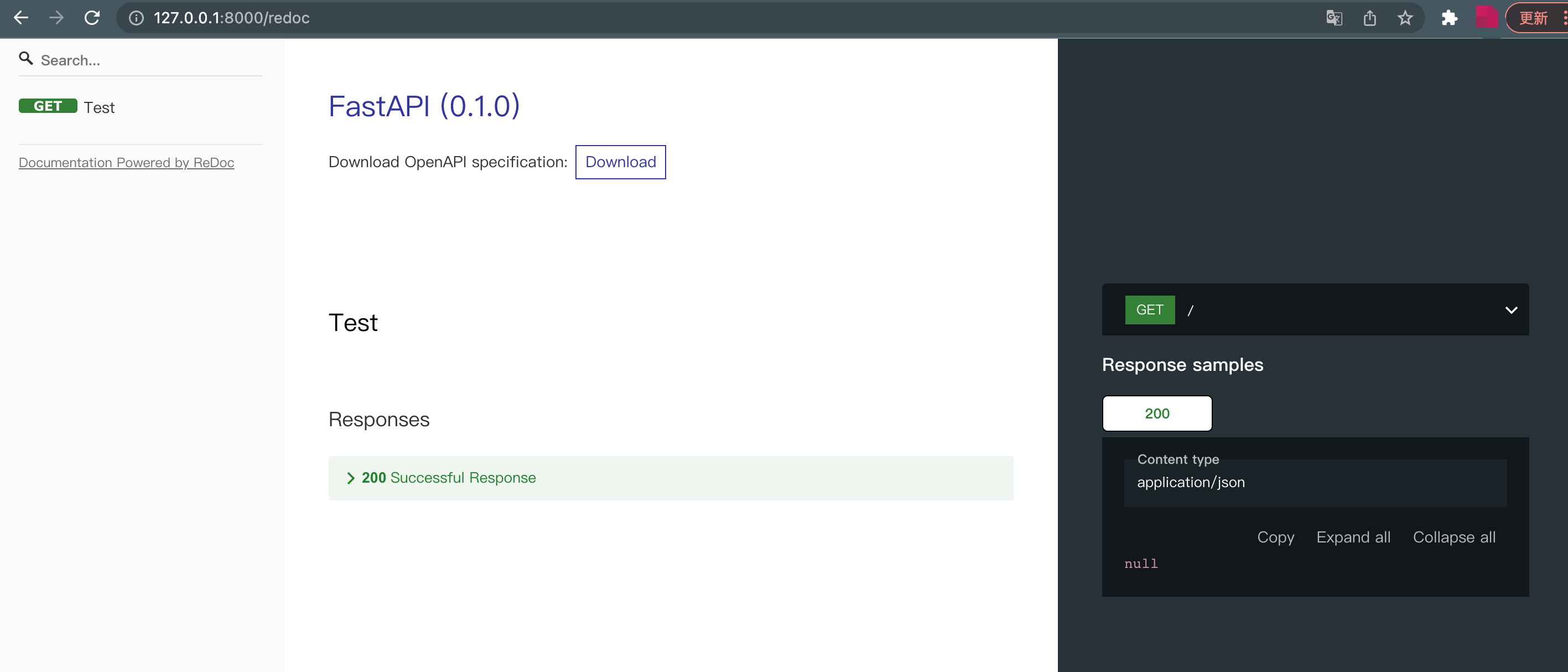
**FastAPI**集成了`swagger`和`redoc`
|
||
启动后即可直接打开使用,无需另外配置
|
||
|
||
`swagger`默认地址:`http://127.0.0.1:8000/docs`
|
||
|
||
`swagger`除了展示接口文档外,还支持接口调试,是开发者最常用的接口文档插件,非常便捷使用
|
||
|
||
|
||
|
||
`redoc`默认地址:`http://127.0.0.1:8000/redoc`
|
||
|
||
`redoc`仅用于接口文档分类分组展示以及接口内容展示,不涉及接口调试
|
||
所以大家在使用上可以根据自己的需求选择使用
|
||
|
||
|